These tools helped me to create and manage my course content effectively.
I wanted the expereince in creating my courseware by creating my own tool, as a web developer I have now found a niche and I thank you MR Whyte for this oppurtunity
Why chosen: Text explanations allow you to introduce and scaffold concepts clearly, following a logical flow.
Supports: All learners, especially those who benefit from reading/writing, and supports basic knowledge acquisition.
How used: Learning objectives, code explanations, instructions, and summaries.

Why chosen: Visuals (e.g., tag maps, code structure charts) simplify abstract code concepts like nesting or syntax.
Supports: Visual/spatial learners and enhances memory retention.
How used: HTML structure image, before/after style comparisons.
Why chosen: Students engage more when seeing code in action. Videos offer real-time examples and professional modeling.
Supports: Auditory + visual learners; boosts understanding of complex steps.
How used: HTML & CSS crash courses embedded in lesson pages.
Why chosen: Students engage more when seeing code in action. Videos offer real-time examples and professional
Supports: Auditory + visual learners; boosts understanding of complex steps.
How used: HTML & CSS crash courses embedded in lesson pages.
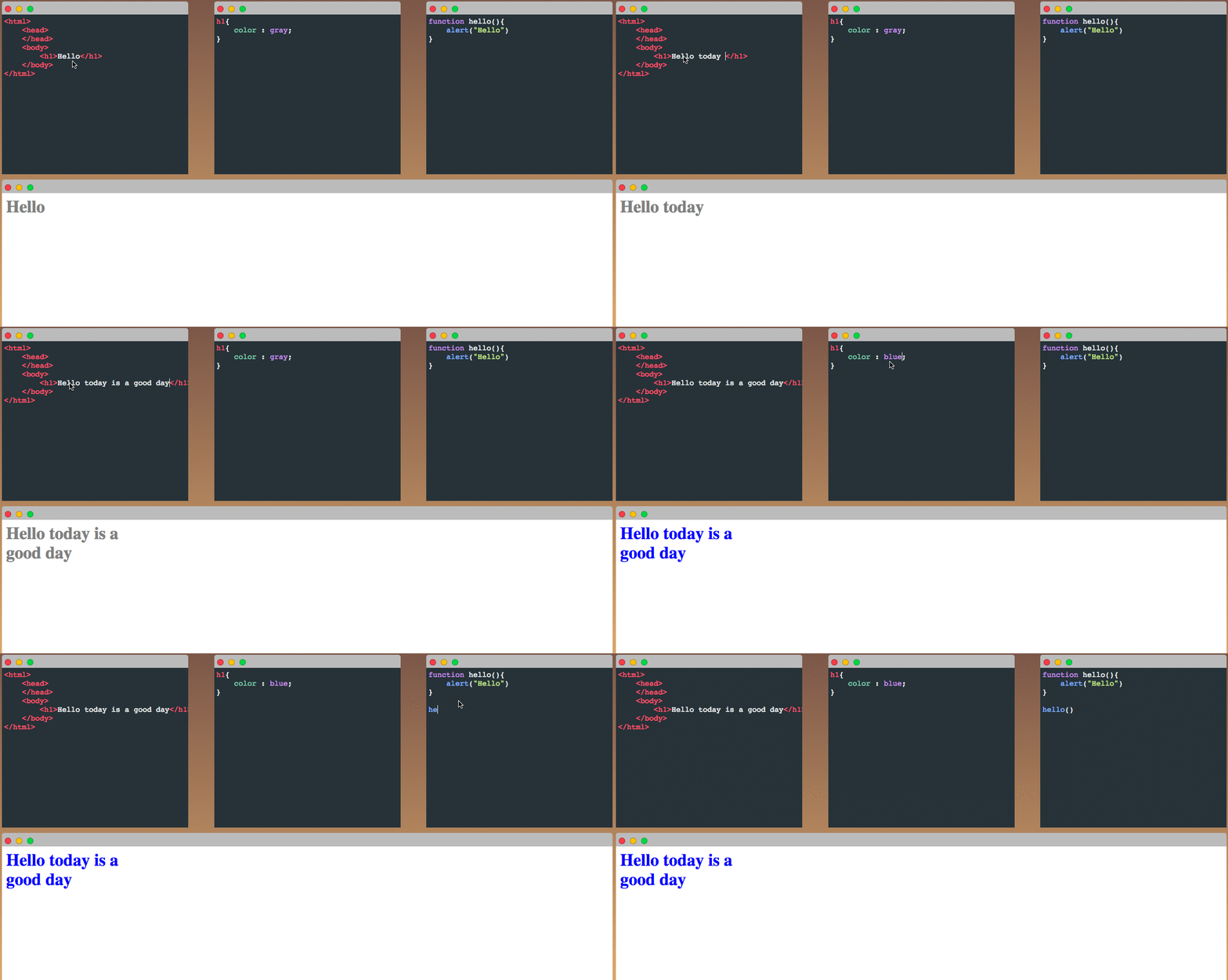
Why chosen: JSFiddle lets students write and preview code instantly without downloading software.
Supports: Psychomotor skill development (writing & applying HTML/CSS), real-world coding practice.
How used: Students complete hands-on tasks and share links for feedback and assessment.
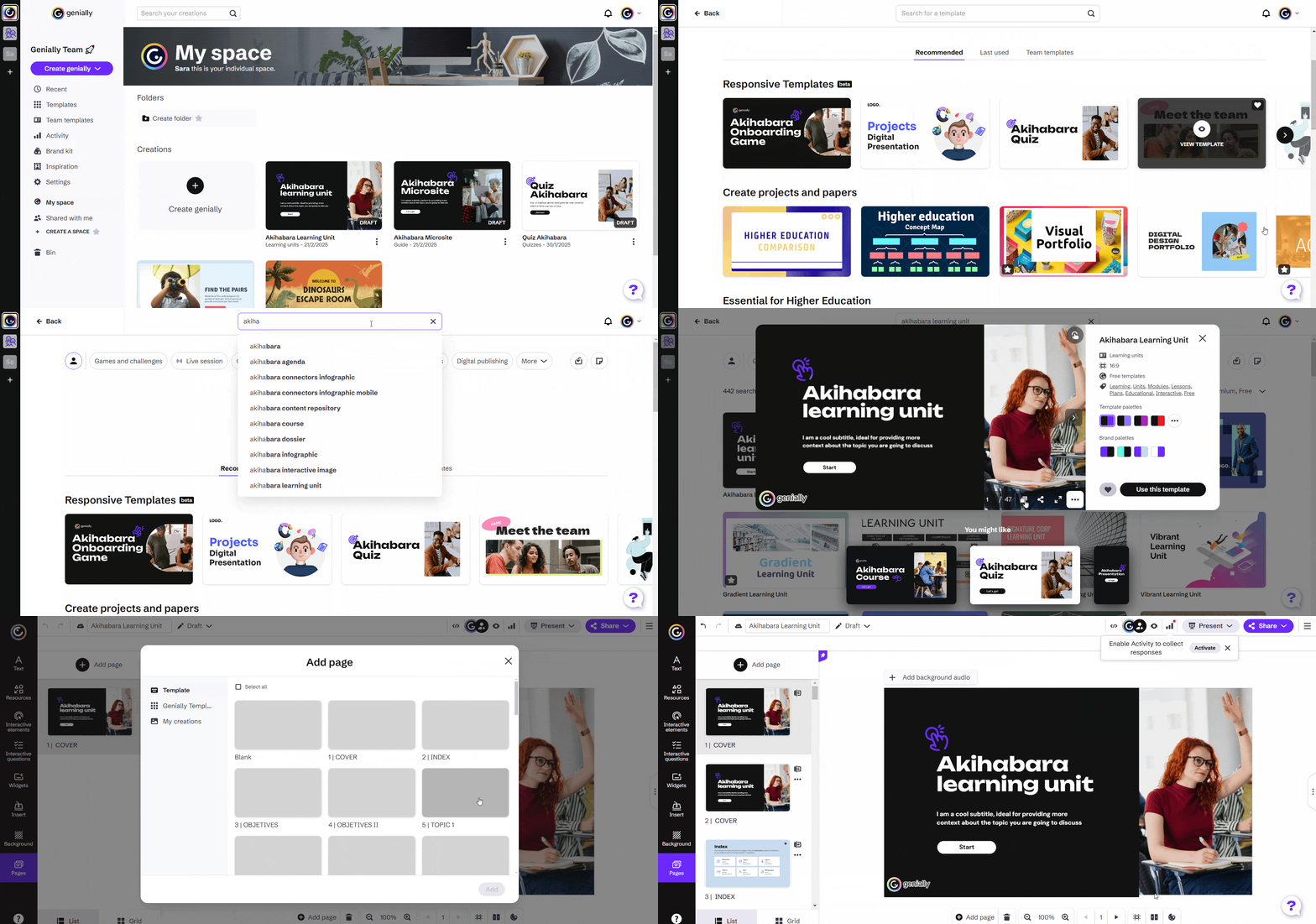
Why chosen: Interactive H5P quizzes and drag-and-drops make learning more active and memorable.
Why chosen: Interactive Genially quizzes and drag-and-drops make learning more active and memorable.
Supports: Cognitive reinforcement through practice; great for formative assessment.
How used: Matching tags, fill-in-the-blanks for CSS properties.
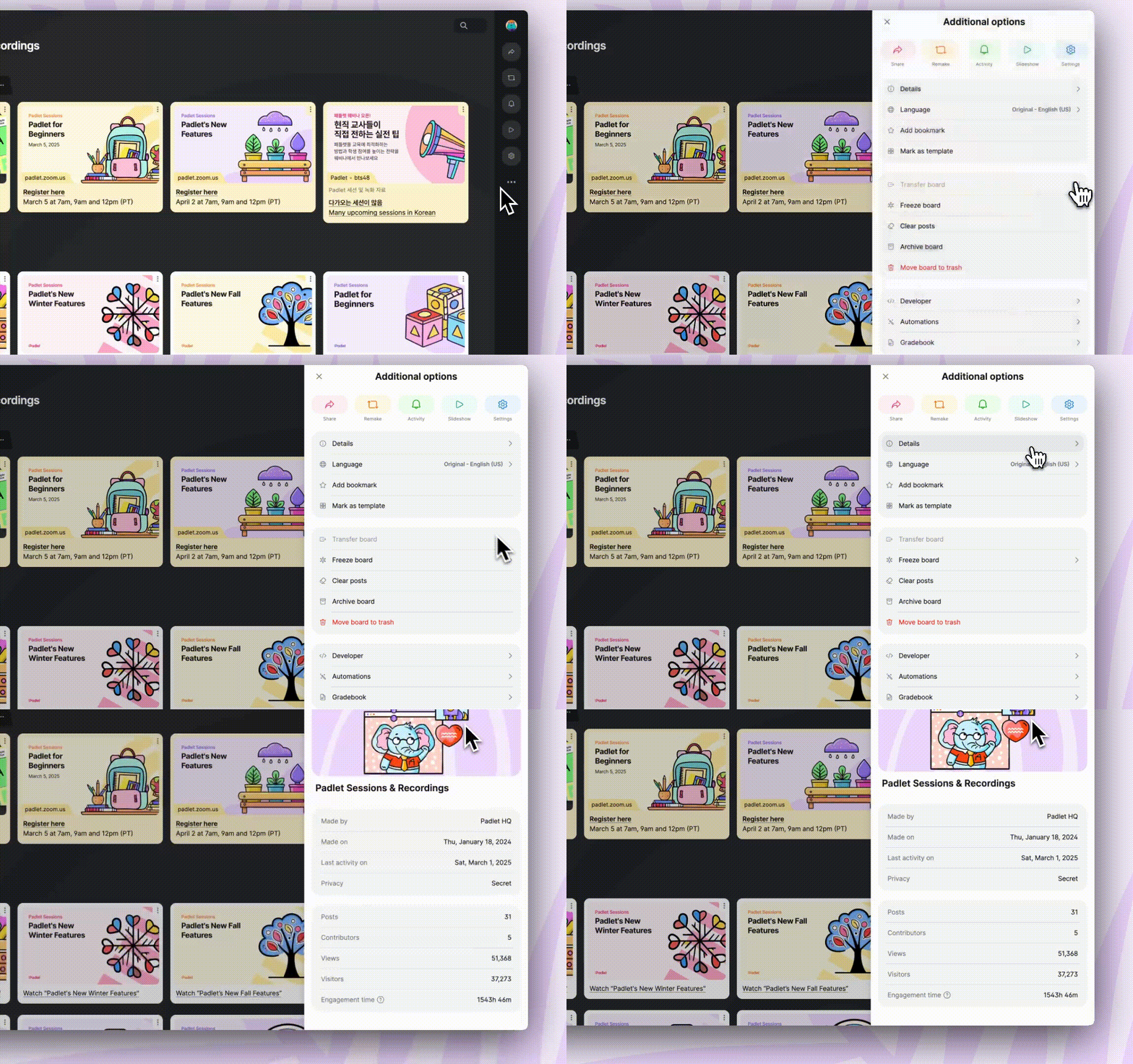
Why chosen: Padlet supports reflection, collaboration, and sharing of student-created content (e.g., JSFiddle links).
Supports: Affective domain (self-expression, feedback), peer learning.
How used: Students post their web pages and reflect on their learning.
Why chosen: Supports review, offline learning, and differentiated instruction.
Supports: Learners who need print-based, slower-paced, or offline options.
How used: Word documents (cheat sheet, student task guide) linked from the site.
This table provides a summary of the learning resources and their impact on objectives and engagement.
| Media/Tool | Supports Objectives | Boosts Engagement |
|---|---|---|
| Text-based explanations | Helps students define HTML/CSS terms and understand code structure (cognitive objective) | Provides clear step-by-step guidance; readable on all devices |
| Images/Diagrams | Help students identify HTML elements and CSS properties visually (cognitive & visual/spatial learners) | Makes abstract concepts tangible; simplifies syntax structure through visuals |
| Embedded videos | Enable auditory and visual learning, and allow modeling of code writing and webpage design (psychomotor objective support) | Replayable and self-paced; brings expert instruction into the digital classroom |
| JSFiddle (Live code) | Allows students to write and test simple code (psychomotor objective), reinforcing writing HTML/CSS through trial and error | Instant feedback through code preview; students feel empowered and creative |
| Genially & Socrative Activities | Reinforces recall and comprehension of tags, properties, and structure (cognitive + formative assessment) | Game-like interaction increases motivation and fun |
| Padlet Reflection Wall | Encourages students to evaluate their experience and express thoughts (affective objective) | Social sharing builds community, ownership of learning |
| Downloadable PDFs, Cheatsheets | Provide offline support for review and differentiation | Helps students who need printed material or slower-paced review |
| Student Need | How Media/Tech Meet It |
|---|---|
| Digital familiarity | Students are already familiar with YouTube, forms, and sharing links – media chosen match their habits and comfort zone |
| Multiple learning styles | Combines visual, auditory, and kinesthetic elements (videos, coding, drag-drop, reflection) |
| Self-paced learning | Asynchronous design allows students to pause, repeat, and progress at their own pace |
| Reflection and personal expression | Padlet and Google Forms allow students to voice their thoughts, connect emotionally, and assess their own performance |
| Guided practice | JSFiddle + Genially give structured opportunities to practice HTML/CSS syntax before the final project |
| Feedback loops | Instant results from Genially and Socrative + teacher feedback from Padlet/Forms reinforce learning |
| Access flexibility | Works on mobile, tablet, or desktop – supports learning at home, school, or lab |
Purpose: To assess the alignment of the technology/media tools with curriculum goals and learner needs.
| Area | Evaluation |
|---|---|
| Curriculum Alignment | Tools directly support NSC/IT outcomes (e.g., writing code, identifying syntax). |
| Learner Appropriateness | All tools are beginner-friendly, free, and work well for Grades 9–12 + Adult Learners. |
| Accessibility & Usability | Content is accessible on various devices, with clear navigation and readable fonts. |
| Engagement | Interactive elements like Genially, Socrative, JSFiddle, and Padlet maintain interest and agency. |
| Scalability | The tools and content can scale for classroom, lab, or online-only settings. |
| Feedback Mechanisms | Built-in feedback via quizzes, reflection prompts, and JSFiddle testing. |
| Variety of Learning Modalities | Combines text, video, interactive coding, and social sharing to cater to diverse learners. |
These features support the course objectives by providing a variety of learning modalities, allowing students to engage with the content in ways that suit their individual learning styles.